

Accounting services in DIFC
Accounting in DIFC goes beyond maintaining financial records. Companies operating in the Dubai International Financial…
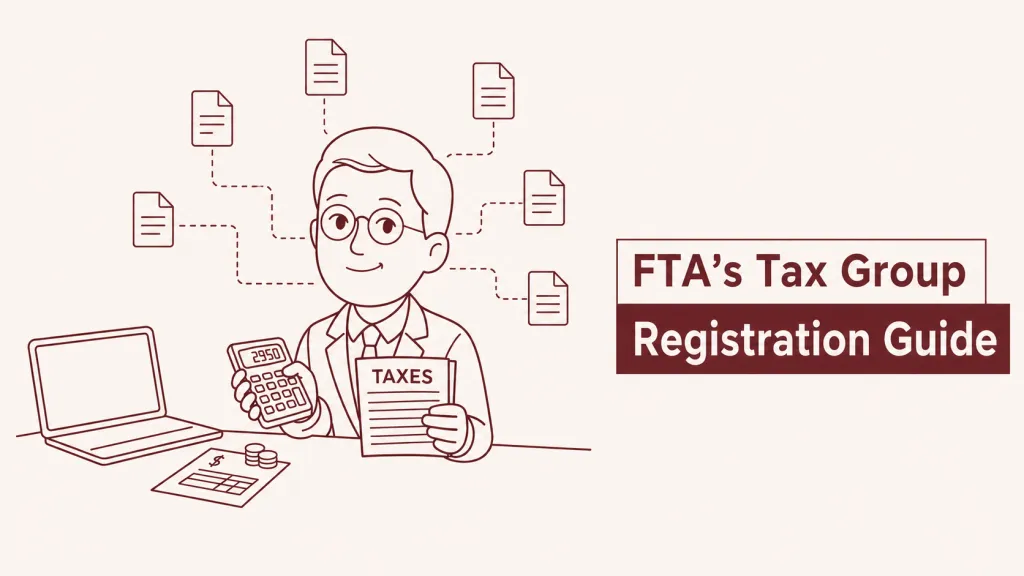
In UAE, corporate tax groups are considered an example of an optional regime. An optional regime is a tax framework that businesses may choose to apply but are not required to, in order to opt in if the regime benefits it.
Before they can form a tax group, each member of the tax group must first register for corporate tax separately. After, if they fall under the eligibility criteria (parent company owns at least 95% of other group members, and all entities are juridical resident persons), they can function as a single taxable entity and get their unified Tax registration number.
Note
Registration as a Corporate Tax Group must be completed before filing first tax return as group for the group treatment to apply for that tax period. While companies may apply to form a CT group at a later time, group status only becomes effective from the tax period approved by the FTA
One group member, known as their representative member, will be in charge of filing every tax period. If the group registration is not approved before the filing deadline, each company must file individual tax returns and pay taxes individually. Tax grouping cannot be applied retroactively to periods that have already been filed.
Businesses can use the Federal Tax Authority (FTA) online portal for official guidance and registration.
Thank you!
We've received your request and will get back to you shortly.

Loading...
 Thank you!
We've received your request and will get back to you shortly.








 Contact Us


